
Window Loan and Consignment List
The Loan and Consignment List window is the fundamental starting point for managing all inventory movements where ownership of the merchandise is not transferred immediately. Designed to centralize and organize loans to employees, customers, or events, as well as consigned inventories, this interface allows for a panoramic and updated view of the status of each item outside the warehouse. From here, users can quickly access the history of temporary exits, filter them by type (loan/consignment) or status (active/returned), and perform efficient operational tracking that serves as the basis for account rendering, asset recovery, and correct valuation of available inventory.
This window not only facilitates consultation but is also the central module for executing key actions in the asset control cycle. It allows generating new loan or consignment documents, reviewing their complete details, managing expiration dates, and processing total or partial returns. Its structured design ensures documentary control of circulating assets, optimizes the traceability of goods, and ensures the continuity of the flow, protecting the company from unaccounted losses and maintaining accurate records for audits.
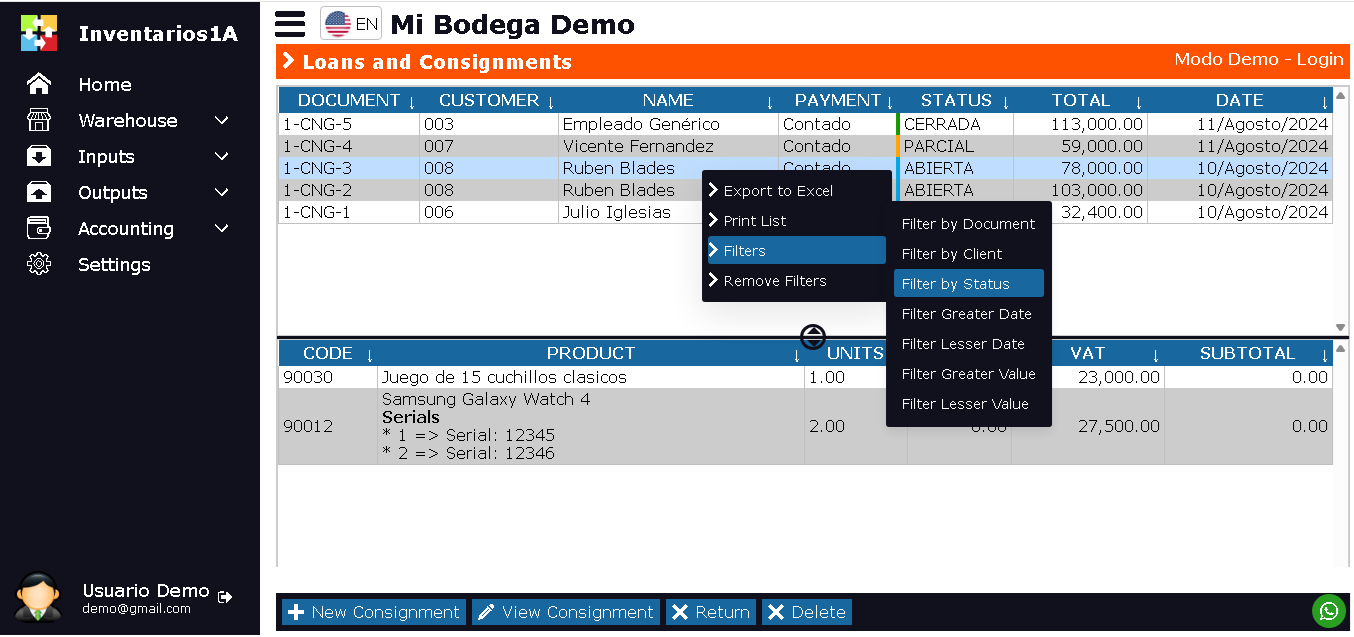
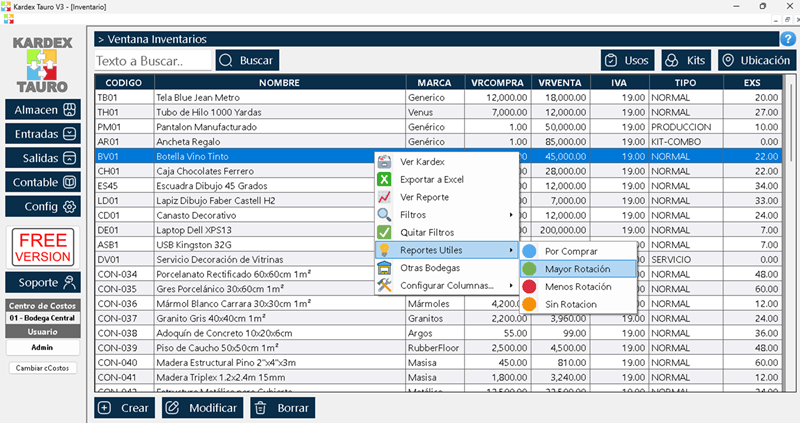
The Loan and Consignment List window is designed to display all temporary merchandise exit documents generated by the company. This window is divided into 2 sections:
- Upper Section: Displays a list of documents, with document number, type (Loan / Consignment), recipient (employee, customer, etc.), status (Active / Partially Returned / Closed), total value of items, and loan date.
- Lower Section: Displays all items associated with the selected document. Product code, name, loaned/consigned units, pending return units, and expiration date (if applicable).
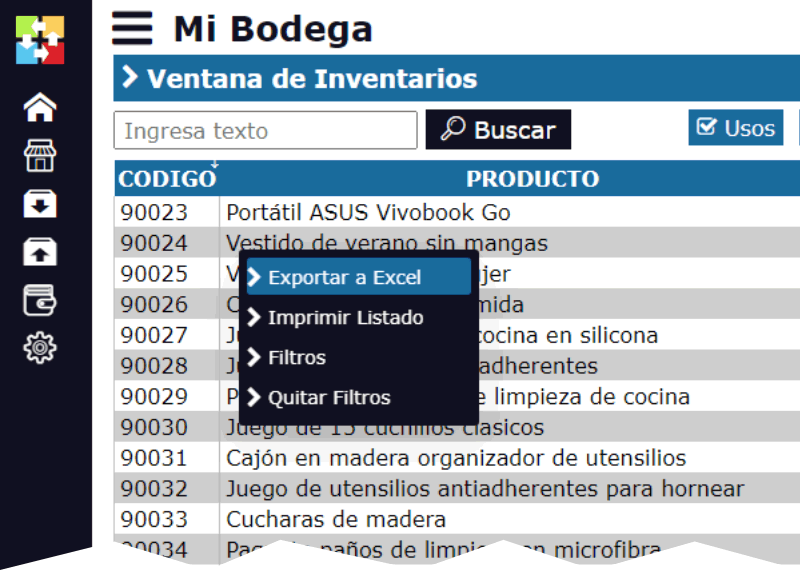
By right-clicking on the upper section, a pop-up menu appears with the options:
- Export to Excel: This option generates a downloadable Excel file with the list of loans and consignments.
- Print: Allows printing the list of documents.
- Filters: Allows displaying only documents according to the user's search criteria. By date, recipient, type, status, product, or expiration.
- Remove Filters
- Convert Document: Allows creating a new document from the selected document. The current document will not be modified. With this option, you can duplicate the loan/consignment or convert it into another type of document, such as a sale (in the case of a sold consignment) or consumption (if the loan becomes an expense).
At the bottom of the window, there are 4 buttons:
- New Consignment: This option allows creating a new Loan or Consignment document.
- View Consignment: Opens the document in Edit or View mode, allowing you to review details and manage returns.
- Reintegrate:
- Delete: Deletes the selected document. Only documents in the initial state and without any registered returns can be deleted.
Life Cycle of Loans and Consignments
The Loan or Consignment document has a state flow that reflects the cycle of merchandise exit and return:
ACTIVE / VALID: Initial and main state while items have not been returned in their entirety. The document is open, inventory has been reserved or deducted from available stock, and item return is expected. Partial returns can be registered against this document.
PARTIALLY RETURNED: Intermediate state indicating that part of the loaned or consigned items have been received, but a balance is still pending. The document remains active to receive the rest of the returns.
CLOSED / SETTLED: Final state. All items have been returned, or the transaction has been settled (e.g., a consigned item was sold and invoiced to the final customer). The document cycle has concluded and can no longer be modified.