
Supplier Quotation Window
The Quotation List to Suppliers window in Inventarios1A constitutes the fundamental starting point for managing the budgeting and price comparison process in acquisitions. Designed to centralize and organize all quotation requests sent to suppliers, this interface allows for a panoramic and comparative view of the offers received for the same requirement. From here, users can quickly access the request history, filter them by status (such as In Progress, Received, Evaluated) and perform efficient tracking that serves as the basis for purchase decisions, negotiations with suppliers, and cost optimization.
This window not only facilitates consultation but is also the central module for executing key actions in the pre-purchase phase within Inventarios1A. It allows generating new quotation requests (RFQ), massively distributing requirements to multiple suppliers, consolidating received responses, and, once evaluated, directly converting the best quotation into a formal Purchase Order. Its structured design ensures transparency in the acquisition process, optimizes budgeting time, and ensures the continuity of the flow, transforming input needs into informed and competitive purchases.
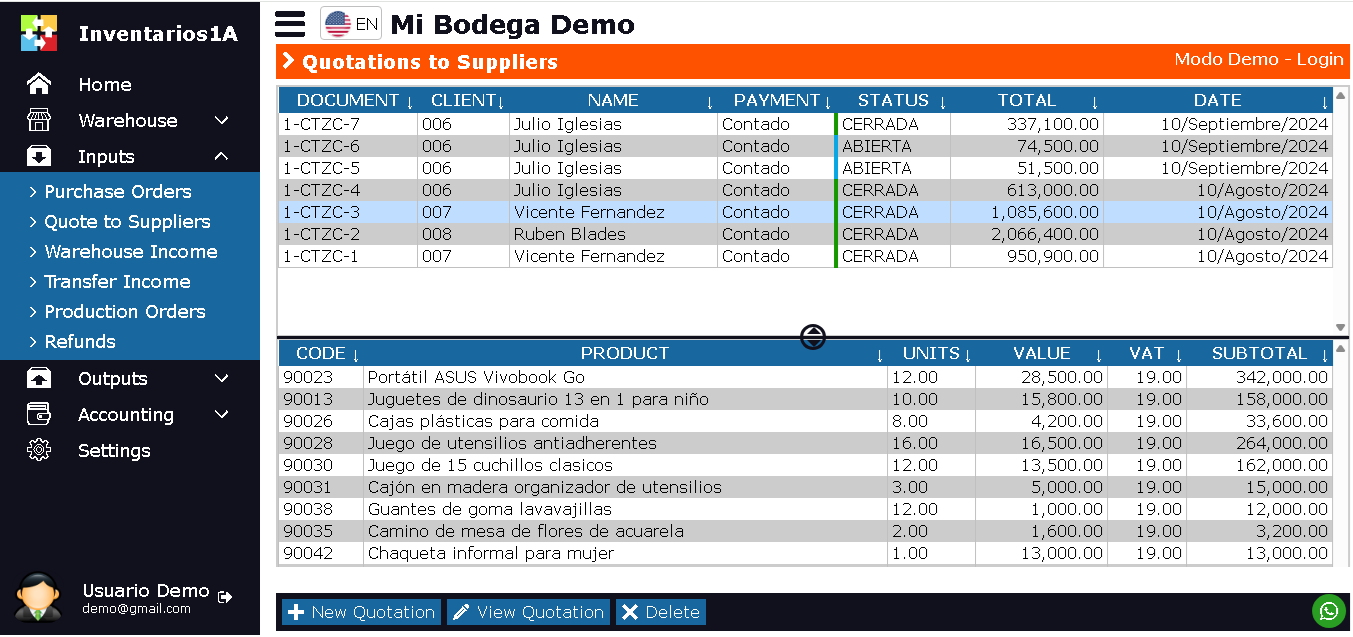
The Quotation List to Suppliers window in Inventarios1A is designed to display all quotation requests and received offers. This window is divided into 2 sections:
- Upper Section: Displays a list of Quotation Requests (RFQ) or individual quotations received, with document number, associated supplier, status (e.g., Requested, Received, Winner), offer validity, total value, and date.
- Lower Section: Displays all items requested or quoted in the selected document. Product code, name, quantity, quoted unit price, total per item, and supplier observations.
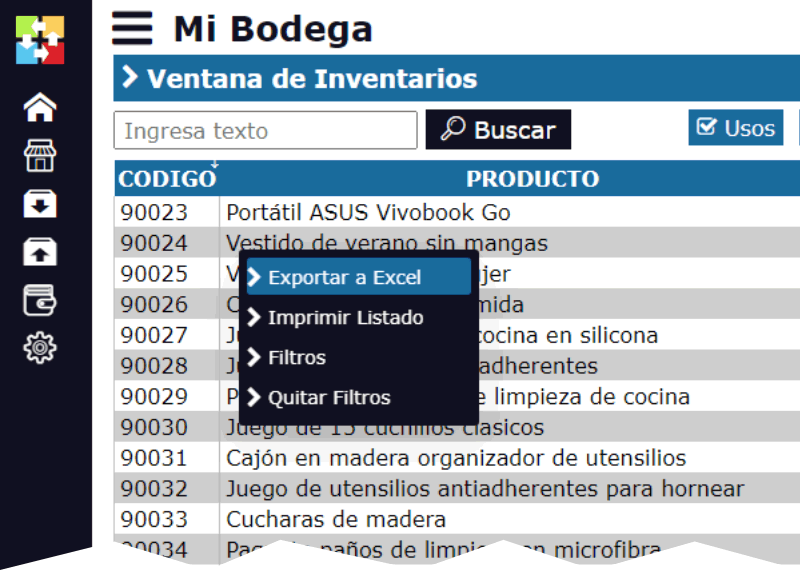
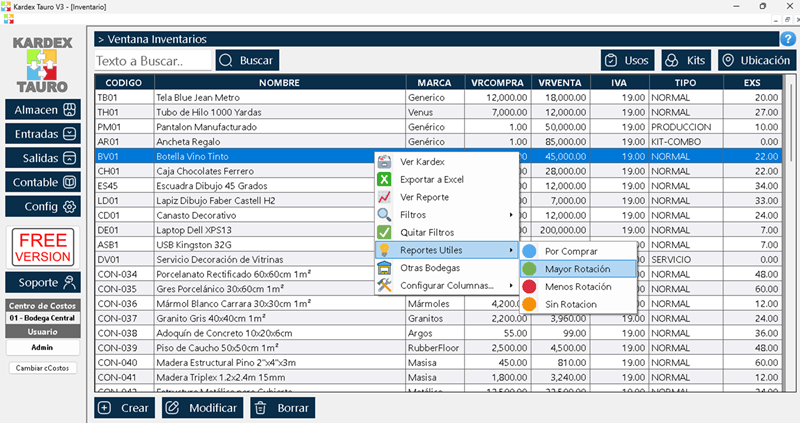
By right-clicking on the upper section, a pop-up menu appears with the options:
- Export to Excel: This option generates a downloadable Excel file with the list of quotations, ideal for comparative price analysis or to share information with other departments.
- Print: Allows printing the list or the details of a specific quotation for physical archiving or presentation.
- Filters: Allows displaying only quotations according to the user''s search criteria in Inventarios1A. By date, supplier, status, requester, item, or by the number of the parent RFQ.
- Remove Filters
- Convert Document: Allows creating a new document from the selected quotation. This is a key function of Inventarios1A that allows taking the winning quotation and directly converting it into a Purchase Order with all items and prices already loaded, greatly streamlining the formalization process.
At the bottom of the window, there are 3 main buttons of Inventarios1A:
- New Quotation: This option allows creating a new Quotation Request (RFQ), defining the necessary items, quantities, and conditions, to then send it to one or several suppliers from the system.
- View Quotation: Opens the quotation or request in Edit or Consultation mode, allowing reviewing all its details, attaching response files from the supplier, and registering evaluation observations.
- Delete: Deletes the Quotation Request or the individual quotation selected. In Inventarios1A, only documents that are in the initial state (Draft or In Progress) and have not been used as the basis for generating a Purchase Order can be deleted.
Life Cycle of Quotations to Suppliers in Inventarios1A
Quotations to Suppliers in Inventarios1A follow a flow of states that reflects the stages of request, receipt, and evaluation:
DRAFT / IN PROGRESS: Initial state for a Quotation Request (RFQ). The document has been created with the items to be budgeted, but has not been formally sent to suppliers. It can be modified or deleted.
REQUESTED: The RFQ has been officially sent to one or several suppliers from Inventarios1A (via email or by sharing a system link). The response is expected.
RECEIVED: The supplier has sent their formal offer, which has been registered in the system as a child quotation of the original RFQ. It contains prices, conditions, and validity.
EVALUATED / WINNER: Final state of a specific quotation. It has been analyzed and selected as the most convenient offer (by price, quality, term, etc.). This is the ideal state to use the "Convert Document" option and generate the Purchase Order. Once converted, the quotation is marked as CLOSED or USED.