
Production Order Window
The Production Order List window in Inventories1A is the control center for managing the manufacturing or assembly process within the current cost center (warehouse/plant). Designed to plan, execute, and monitor the transformation of raw materials into finished products, this interface provides a comprehensive view of the status of each production batch, from creation to completion and entry into the warehouse.
This window allows for detailed and real-time control of the productive flow. From here, users can quickly access the order history, filter them by status (Planned, In Progress, Completed), and perform an operational tracking that serves as the basis for calculating production costs, material efficiency, and capacity planning.
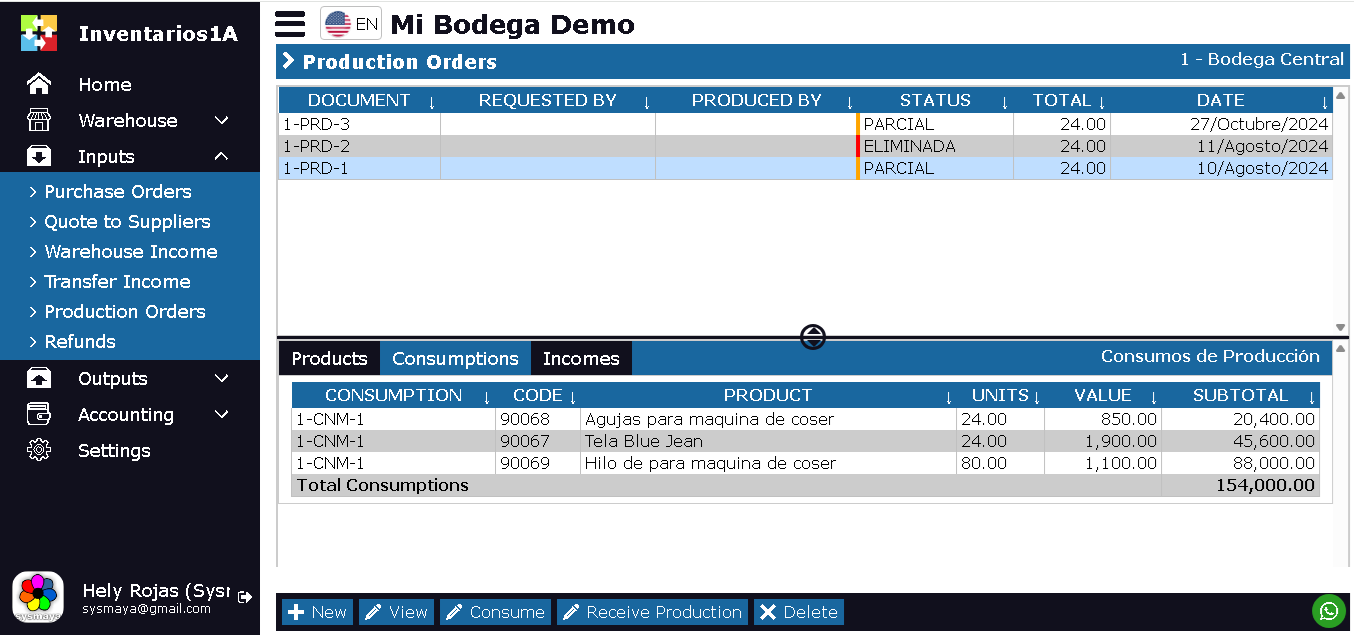
The Production Order List window is designed to display all orders created in the current cost center. It is structured as follows:
- Upper Section (Master List): Displays a list of all Production Orders, with key information such as: Order number, product to be manufactured, ordered quantity, status (Draft, Released, In Progress, Completed), creation date, and estimated completion date.
- Lower Section (Detail Tabs): When selecting an order in the upper list, this section displays three fundamental tabs for tracking:
Tabs in the lower section:
- Products: This tab displays the final products that have been ordered to be manufactured in this order. It lists the product code, product name, and target production quantity.
- Consumptions: This tab is critical for cost control. It displays all warehouse consumption documents that have this specific production order as their destination. Here, you can see what raw materials, in what quantities, and at what cost have been taken out of the warehouse for use in manufacturing. It is the tool to know exactly what has been spent to produce (or attempt to produce) a quantity X of the finished product.
- Warehouse Entries: This tab reflects the result of the work. It displays all warehouse entries generated from this production order. It records how much finished product has been manufactured and formally received in the inventory, whether in partial or total deliveries, allowing for reconciliation of what has been consumed with what has been produced.
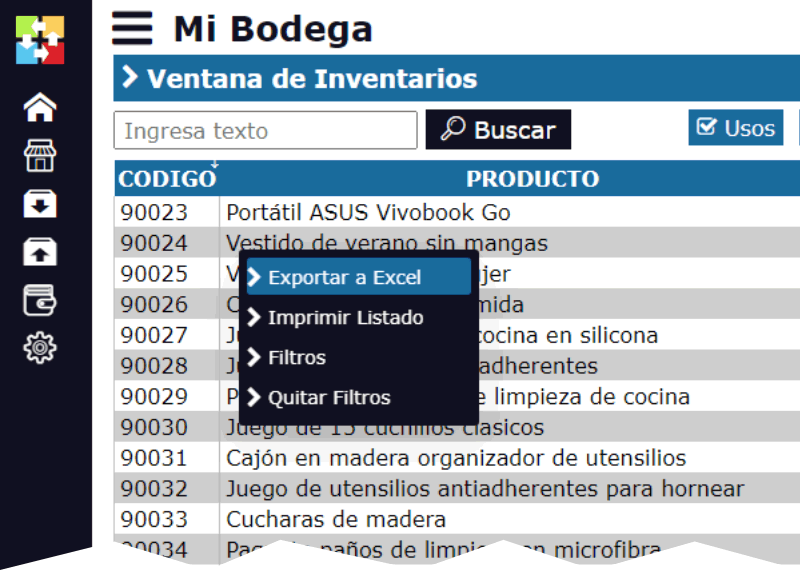
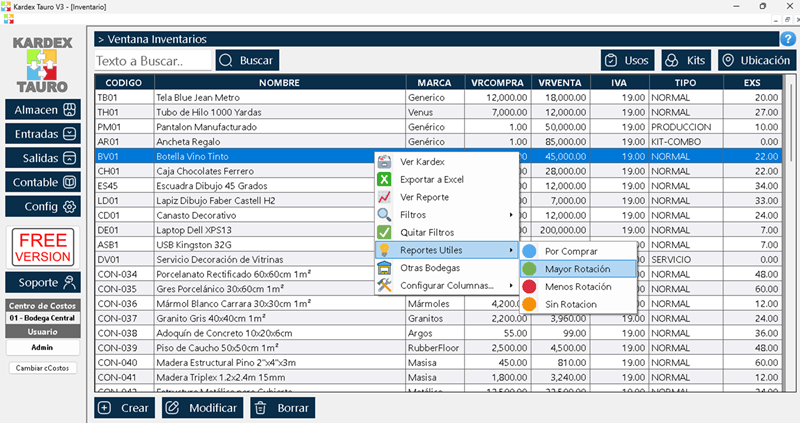
By right-clicking on the upper section (Master List), a pop-up menu appears with the usual options of Inventories1A:
- Export to Excel
- Filters: To filter by status, product, date range, etc.
- Remove Filters
At the bottom of the window, there are 5 specific action buttons for the production cycle:
- New: Allows creating a new Production Order. When clicked, a form opens where a product of type PRODUCTION (see important note below) must be selected, define the quantity to be manufactured, and the target date.
- View: Opens the selected production order in Edit mode (if it''s a draft) or View mode (if it''s already released), showing its general information, observations, and the detail of the formula or list of required materials.
- Consume: This is the action to record the raw material exit from the warehouse. When clicked, an interface opens to generate a consumption document directly linked to this order, subtracting the necessary inputs from the raw materials inventory.
- Receive Production: Key action to complete the cycle. Opens a window to record the entry of the finished product into the warehouse. Allows entering the quantity actually manufactured (which can be partial or total), updating the finished products inventory. This process automatically generates a record in the "Warehouse Entries" tab.
- Delete: Deletes the selected Production Order. Only orders that are in the DRAFT or PLANNED status and have no associated consumptions or entries can be deleted. An order that has already started its execution (with consumptions) cannot be deleted.
IMPORTANT - Product Restriction:
In Inventories1A, a Production Order can only be created for products that in their master file are configured with the type: PRODUCTION. A product of this type has the following characteristics:
It is not purchased directly from suppliers.
It is manufactured internally from the transformation or assembly of other products (raw materials or sub-assemblies).
It has a Bill of Materials (BOM) or formula associated in the system, which defines the components and quantities necessary for its manufacture.
This restriction ensures the integrity of the process and clearly differentiates the management of purchased products from manufactured products.