
Shrinkage List Window
The Loss List window constitutes 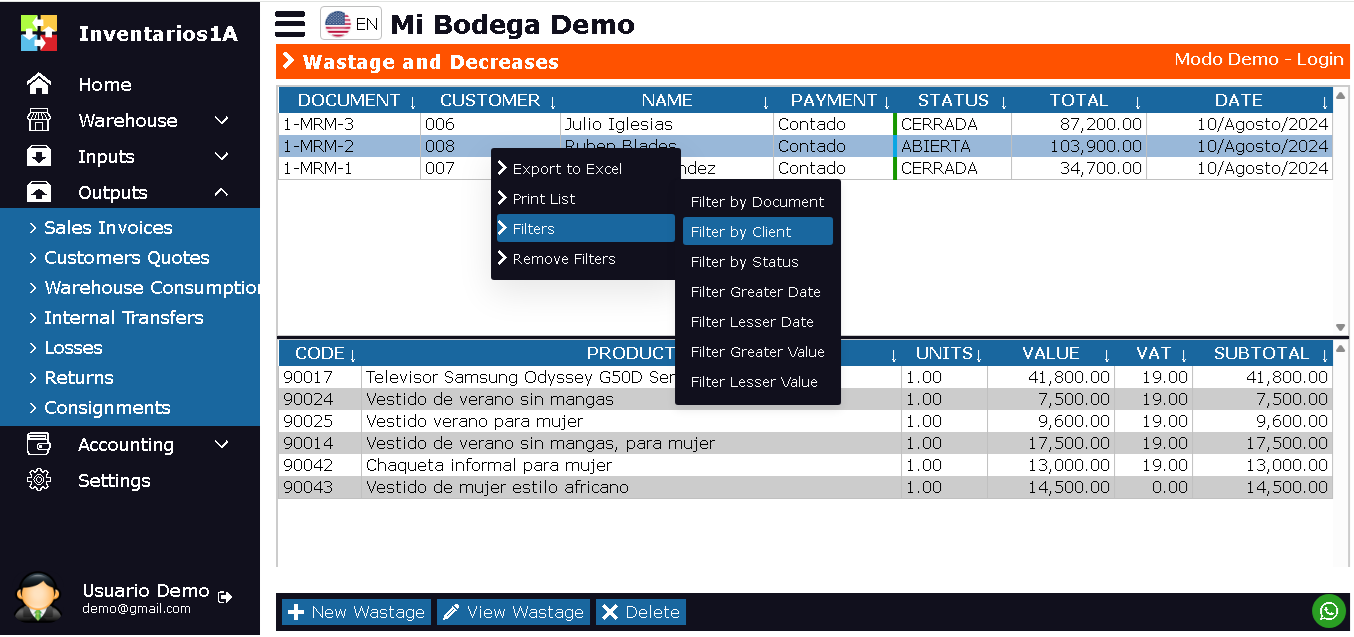 the fundamental starting point for managing all inventory losses or shortages due to damage, obsolescence, expiration, theft, or physical differences. Designed to centralize and organize non-productive warehouse exits, this interface allows for a panoramic and controlled view of the company''s patrimonial losses. From here, users can quickly access the loss history, filter them by type or approval status, and perform operational tracking that serves as a basis for analyzing causes, accounting for losses, and improving storage and handling processes.
the fundamental starting point for managing all inventory losses or shortages due to damage, obsolescence, expiration, theft, or physical differences. Designed to centralize and organize non-productive warehouse exits, this interface allows for a panoramic and controlled view of the company''s patrimonial losses. From here, users can quickly access the loss history, filter them by type or approval status, and perform operational tracking that serves as a basis for analyzing causes, accounting for losses, and improving storage and handling processes.This window not only facilitates consultation but is also the central module for executing key actions in inventory control. It allows generating new loss records, reviewing their complete details, justifying them with observations, and submitting them to the necessary approval flows. Its structured design guarantees documentary control of losses, optimizes inventory auditing, and ensures that each decrease is properly authorized and registered, protecting the company''s assets and generating vital information for decision-making.
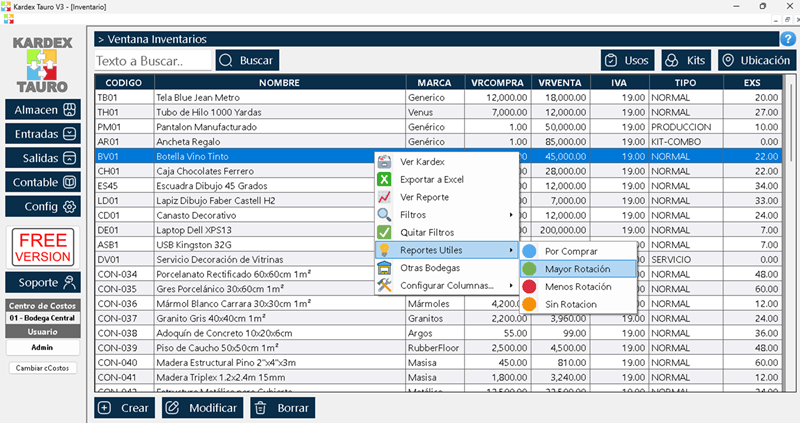
The Loss List window is designed to display all registered inventory loss documents by the company. This window is divided into 2 sections:
- Upper section: Displays a list of loss documents, with document number, type of loss (e.g., damage, expiration, adjustment), warehouse, total loss value, status (pending/approved), and date.
- Lower section: Displays all items given as lost in the selected document. Product code, name, lost units, unit value, and total item value.
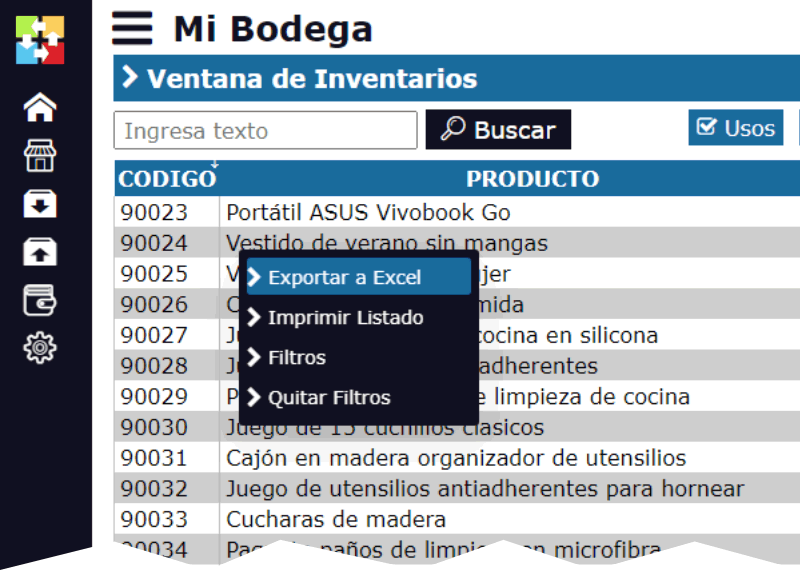
By right-clicking on the upper section, a pop-up menu appears with the options:
- Export to Excel: This option generates a downloadable Excel file with the list of losses.
- Print: Allows printing the list of loss documents.
- Filters: Allows displaying only losses according to the user''s search criteria. By date, warehouse, type of loss, status, product, etc.
- Remove Filters
- Convert Document: Allows creating a new document from the selected document. The current document will not be modified. With this option, you can duplicate the loss or, in some cases, convert it into a related document such as a transfer to a "damaged product" area or an internal credit note.
At the bottom of the window, there are 3 buttons:
- New Loss: This option allows creating a new Loss Registration document.
- View Loss: Opens the loss document in Edit or Consultation mode.
- Delete: Deletes the selected Loss document. Only documents that have not been finalized or approved can be deleted.
Lifecycle of Loss Documents
The Loss document typically has 2 main states, often associated with an authorization flow:
PENDING / OPEN: Initial or intermediate state. The document has been created to report a loss, but it has not yet been approved by a supervisor or the accounting department. The inventory has not been affected. The document can be modified or deleted.
APPROVED / CLOSED: Final state. The loss has been reviewed and authorized. Upon completion in this state, the inventory is definitively reduced according to the listed items. An Approved and Processed loss CANNOT be modified or deleted, as the inventory and accounting adjustments have already been made.